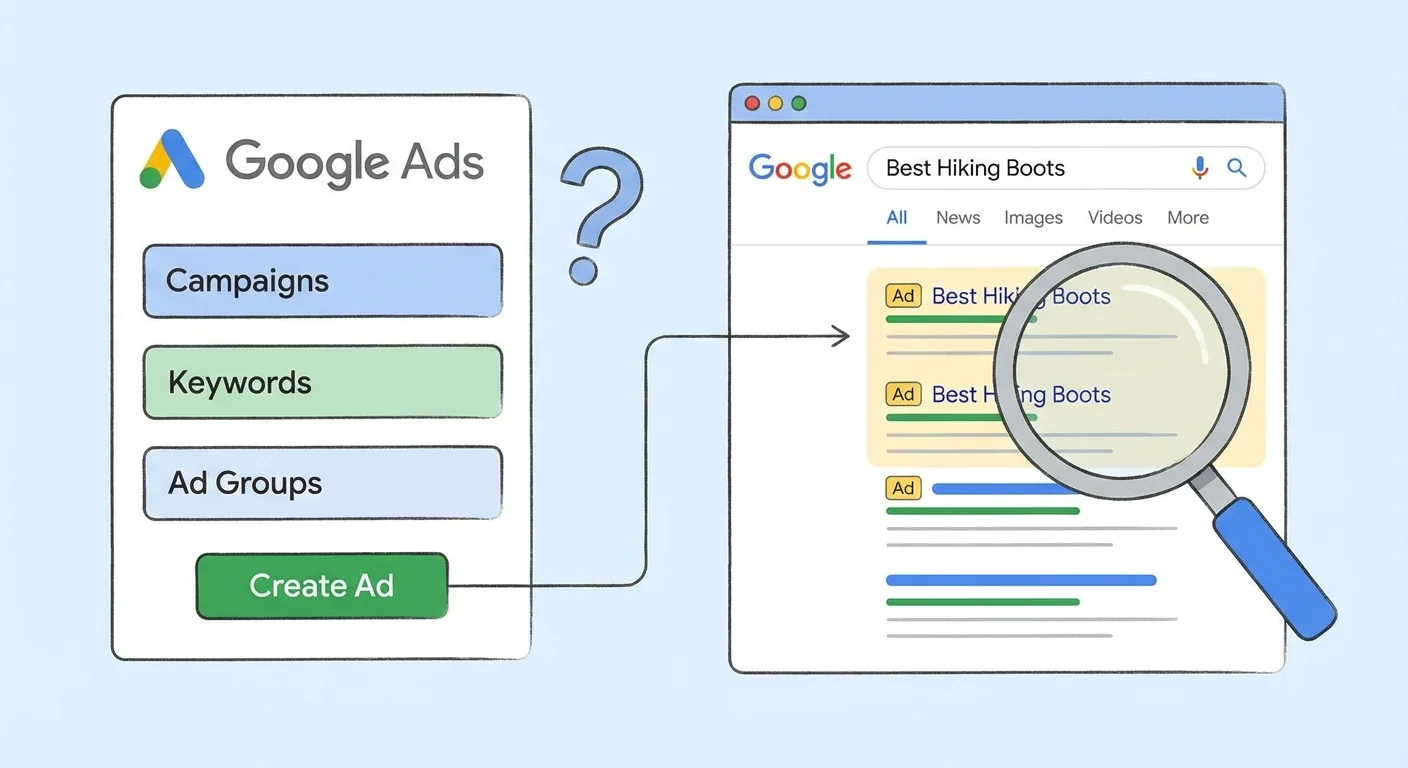
What Is Google Ads? Should You Use It in 2026?

Google Ads (formerly AdWords) is Google’s advertising platform that puts your business at the top of search results when potential customers are actively looking for your services. While organic SEO takes months to build momentum, Google Ads delivers immediate visibility and qualified traffic. The question isn’t whether Google Ads works – it’s whether you’re using it effectively to grow your business.
With over 3.5 billion searches happening on Google every day, the opportunity to reach your target audience is massive. But Google Ads success requires strategy, not just budget. We’ve managed thousands of campaigns since 2007, and the businesses that succeed understand the platform’s nuances and commit to optimising their approach.
How Google Ads Works: The Auction System
Google Ads operates on a pay-per-click (PPC) auction model where businesses bid on keywords relevant to their products or services. When someone searches for those keywords, Google runs an instant auction considering your bid amount, ad quality, and expected click-through rate to determine which ads appear and in what order.
You only pay when someone clicks your ad, making it a performance-based advertising model. This auction system means the highest bidder doesn’t automatically win – Google rewards advertisers who create relevant, high-quality ads that users actually want to click on.
The beauty of this system is immediate results. Unlike SEO efforts that take months to gain traction, your Google Ads can start driving traffic within hours of going live.
Understanding SEM and Its Role in Digital Marketing
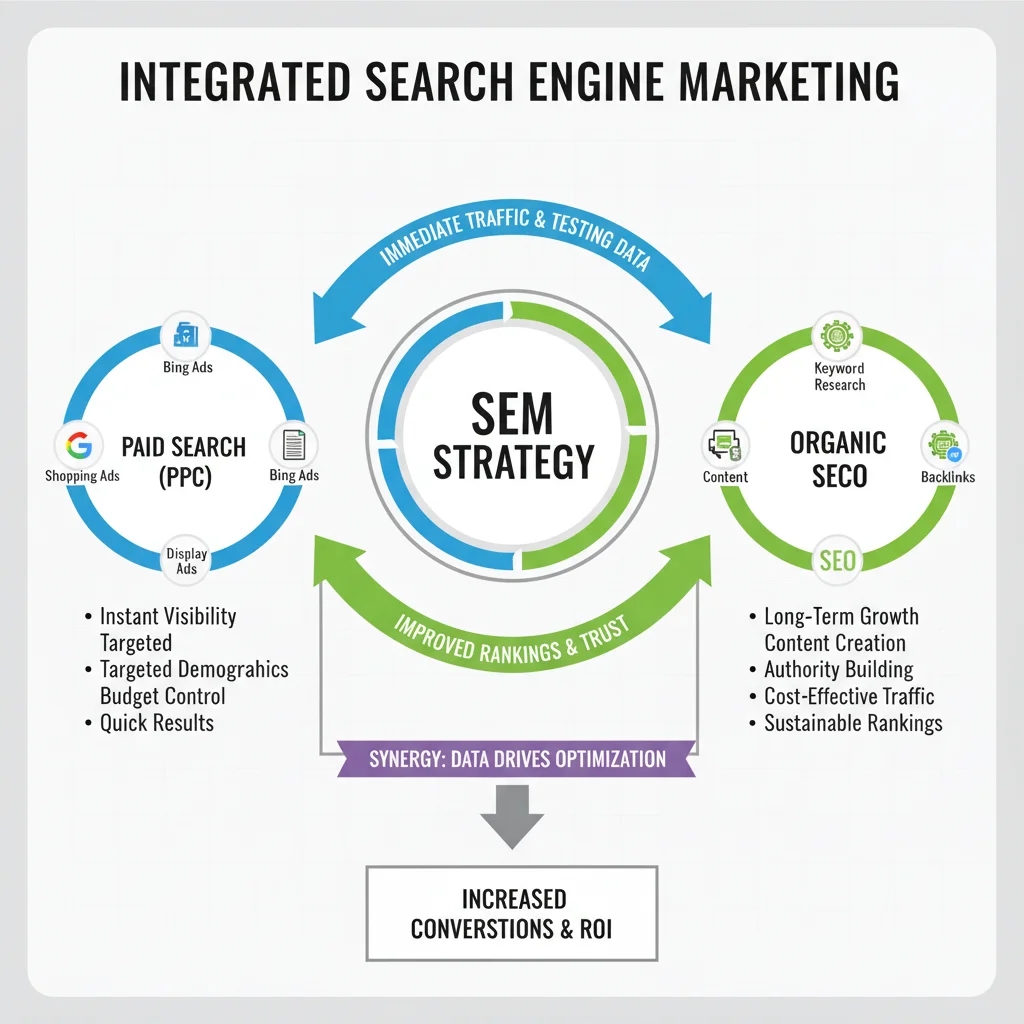
Search Engine Marketing (SEM) encompasses all marketing activities within search engines. Technically, this includes both paid search (PPC) and organic search (SEO), though many marketers now use SEM to refer specifically to paid search activities.
Since virtually everyone with internet access uses search engines regularly, SEM should be a cornerstone of your digital marketing strategy. People searching Google have high intent – they’re actively looking for solutions, not passively consuming content.
The confusion around SEM terminology doesn’t matter for your business success. What matters is understanding that both paid and organic search are essential for maximum visibility. A complete digital marketing strategy uses both approaches strategically.
Why Google Ads Dominates the PPC Landscape
Google Ads commands over 70% of the search advertising market, and this dominance stems from Google’s search engine popularity. More searches mean more potential customers for your business.
Launched in 2000 with just 350 advertisers, Google Ads now serves over one million businesses worldwide. Google’s early entry into search advertising gave them a technological head start that competitors like Bing and Yahoo still struggle to match.
The platform’s sophistication continues growing. Advanced features like smart bidding, responsive search ads, and audience targeting make it possible to reach exactly the right people at exactly the right moment. This precision targeting is why many businesses see strong ROI from their Google Ads investment.
Types of Google Ads Campaigns
Google Ads offers multiple campaign types across four main networks: Search, Display, Shopping, and YouTube. Each serves different business objectives and audience behaviours.
Search Network Campaigns
Search campaigns show text ads within Google search results. These campaigns capture high-intent traffic because people are actively searching for your products or services.
- Responsive Search Ads: Google tests multiple headlines and descriptions to find the best-performing combinations
- Call-Only Ads: Mobile users can call your business directly from the ad without visiting your website
- Dynamic Search Ads: Google automatically creates ads based on your website content
- RLSA (Remarketing Lists for Search Ads): Target previous website visitors when they search for related terms
Display Network Campaigns
Display campaigns show visual ads across millions of websites, apps, and Google properties. These campaigns excel at building brand awareness and remarketing to previous visitors.
- Standard Display Ads: Image or text ads appearing on relevant websites
- Responsive Display Ads: Google automatically adjusts your assets to fit available ad spaces
- Remarketing Ads: Show targeted ads to people who’ve visited your website
- Gmail Ads: Native ads appearing in Gmail inboxes
Shopping Campaigns
Shopping campaigns are essential for e-commerce businesses. These ads show product images, prices, and store information directly in search results, making it easy for customers to compare options.
Shopping campaigns require a Google Merchant Centre account and product data feed. The setup process is more involved than search campaigns, but the visual format often produces higher click-through rates for product-based businesses. Optimising your shopping campaigns properly can dramatically improve your e-commerce performance.
YouTube Campaigns
YouTube advertising puts your message on the world’s second-largest search engine. Video campaigns work particularly well for businesses with visual products or complex services that benefit from demonstration.
- TrueView In-Stream: Skippable video ads that play before, during, or after other videos
- TrueView Discovery: Video ads appearing in YouTube search results and suggested videos
- Bumper Ads: Six-second non-skippable ads perfect for brand awareness
- YouTube Shorts Ads: Vertical video ads for mobile-first audiences
Setting up YouTube ads through Google Ads gives you access to sophisticated targeting options and integrated reporting across all your campaigns.
Who Should Use Google Ads?
Google Ads works for virtually any business with a website and clear conversion goals. Whether you’re B2B, B2C, local service provider, or e-commerce retailer, the platform offers targeting options that can reach your ideal customers.
Google Ads is particularly valuable for:
- New websites: Get immediate traffic while your SEO efforts build momentum
- Seasonal businesses: Scale advertising up or down based on demand cycles
- High-value services: The cost per click makes sense when customer lifetime value is substantial
- Competitive industries: Capture market share from competitors who aren’t advertising effectively
- Local businesses: Dominate local search results with location-targeted campaigns
Even businesses with strong organic rankings should consider Google Ads. Occupying multiple positions in search results increases your overall visibility and captures more qualified traffic.
Setting Up Your Google Ads Account
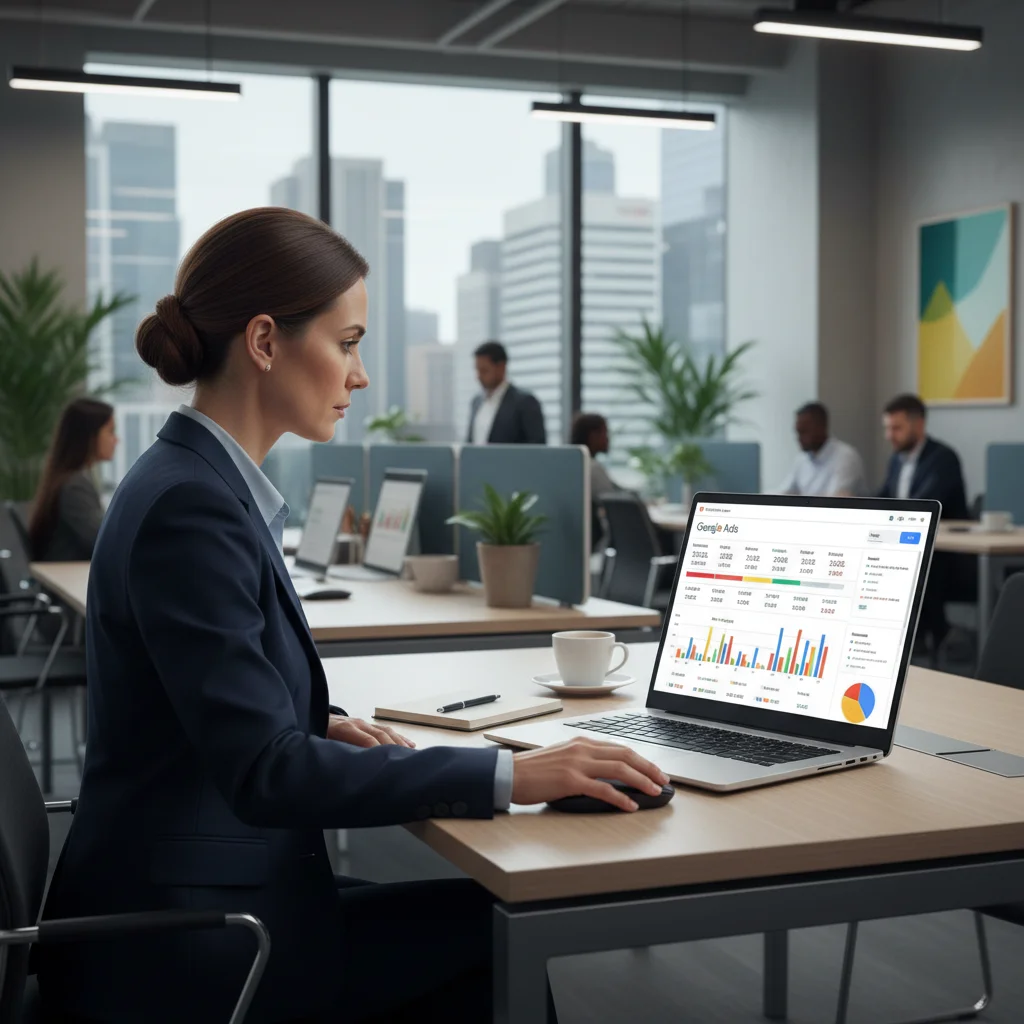
Getting started with Google Ads requires a Google account and careful attention to initial setup details. Some settings can’t be changed later, so it’s worth taking time to configure everything correctly from the start.
Account Creation Process
- Create a Google account at accounts.google.com if you don’t have one
- Visit ads.google.com and sign in with your Google credentials
- Choose your country, time zone, and currency (these cannot be changed later)
- Enter your business website URL
- Decide whether to follow the guided setup or skip to expert mode
We recommend skipping the guided setup for most businesses. The simplified interface often leads to poorly configured campaigns that waste budget. Expert mode gives you full control over targeting, bidding, and ad creation from day one.
Essential Account Settings
Before creating your first campaign, configure these account-level settings:
- Conversion tracking: Install the Google Ads pixel on your website to measure results
- Google Analytics linking: Connect your accounts for deeper insights
- Billing information: Set up payment methods and billing preferences
- Account structure: Plan your campaign organisation before you start building
Benefits of Google Ads for Business Growth
Google Ads delivers measurable business results when managed properly. The platform’s strength lies in its ability to connect you with people actively searching for your solutions.
Immediate Market Visibility
Launch a campaign today and start appearing at the top of search results within hours. This speed is impossible with organic SEO, making Google Ads perfect for new product launches, seasonal promotions, or urgent business needs.
Precise Audience Targeting
Target customers by location, demographics, interests, behaviours, and even specific times of day. This precision reduces wasted spend and improves campaign performance by reaching only your most likely customers.
Measurable ROI
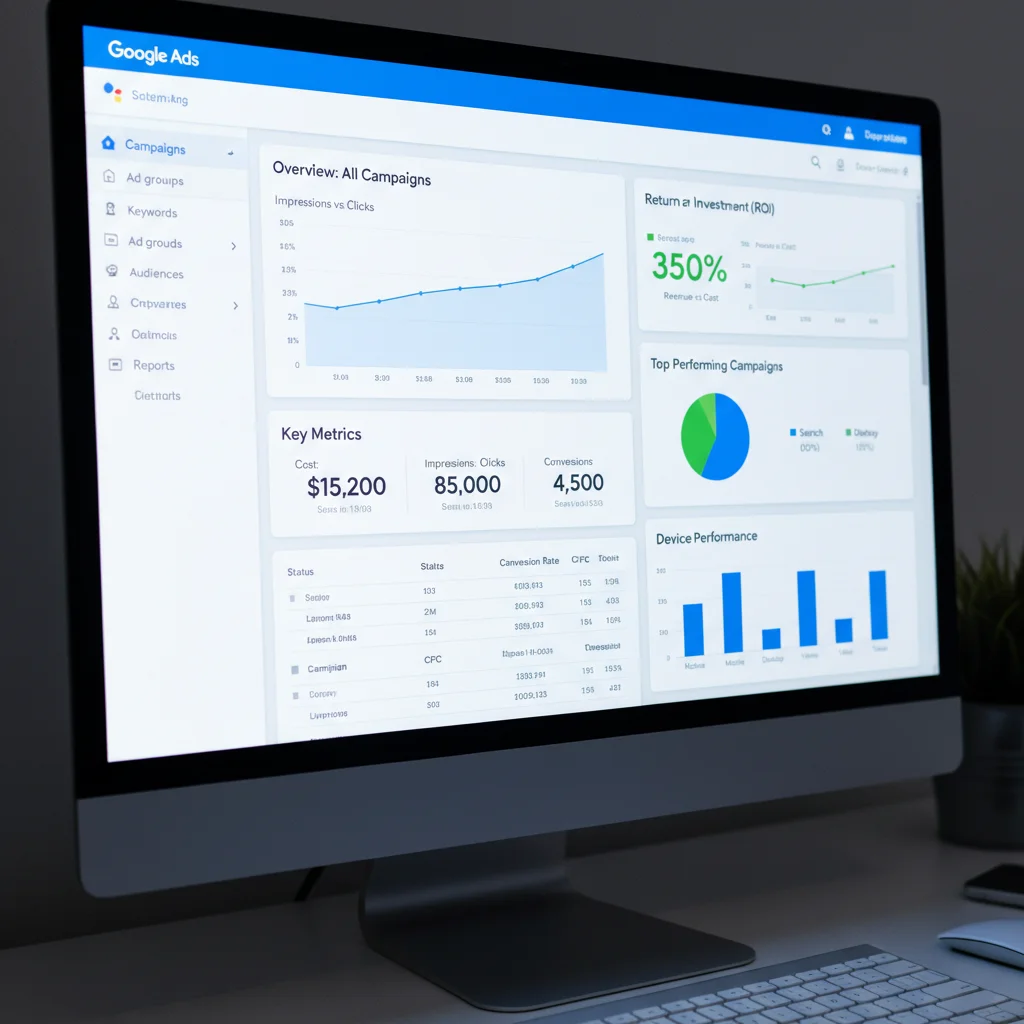
Track every aspect of campaign performance from clicks and impressions to conversions and revenue. This transparency makes it easy to identify what’s working and optimise for better results. Advanced optimisation techniques can significantly improve your return on ad spend.
Common Google Ads Challenges and Solutions
Google Ads isn’t automatically profitable. Success requires ongoing optimisation and strategic thinking. Understanding common pitfalls helps you avoid expensive mistakes.
Rising Competition and Costs
As more businesses adopt Google Ads, keyword costs increase. Combat this by focusing on long-tail keywords, improving Quality Score, and optimising for conversions rather than just clicks.
Interface Complexity
Google Ads offers hundreds of settings and options. New advertisers often get overwhelmed and make costly configuration errors. Start with simple campaigns and gradually add complexity as you gain experience.
Poor Ad Copy Performance
Generic, feature-focused ad copy fails to connect with searchers. Creating highly converting ad copy requires understanding your audience’s motivations and crafting compelling messages that drive action.
Integrating Google Ads with Your Marketing Strategy
Google Ads works best as part of an integrated digital marketing approach. Combine paid search with SEO, social media, and email marketing for maximum impact.
Use Google Ads data to inform your SEO strategy. High-performing ad keywords often make excellent targets for organic optimisation. Conversely, strong organic rankings can reduce your need for paid advertising on those terms.
Remarketing campaigns work particularly well when combined with content marketing efforts. Create valuable content to attract visitors, then use display ads to bring them back when they’re ready to convert.
Advanced Google Ads Features Worth Exploring
Once you’ve mastered basic campaign management, several advanced features can significantly improve performance:
- Smart Bidding: Automated bidding strategies that optimise for your specific conversion goals
- Audience Targeting: Custom remarketing lists and similar audiences to expand your reach
- Ad Extensions: Additional information like phone numbers, locations, and sitelinks that improve ad visibility
- Landing Page Optimisation: Ensure your landing pages deliver on your ad promises
Getting Professional Help with Google Ads
Many businesses benefit from professional Google Ads management, especially in competitive industries or when advertising budgets exceed $3,000 per month. A skilled agency brings experience, advanced strategies, and the time to continuously optimise your campaigns.
Look for agencies with Google Partner status, relevant industry experience, and transparent reporting practices. The right partner should improve your results while freeing up your time to focus on running your business.
If you’re struggling with campaign performance or want to scale your Google Ads success, our team has managed thousands of campaigns across virtually every industry. We focus on driving measurable results that impact your bottom line.
Frequently Asked Questions
How much does Google Ads cost?
Google Ads costs vary widely based on your industry, competition, and targeting. You set your own budget and only pay when someone clicks your ads. Most small businesses start with $1,000-$3,000 per month.
How long does it take to see results from Google Ads?
You can start receiving traffic immediately after launching campaigns. However, it typically takes 2-4 weeks to gather enough data for meaningful optimisation and 2-3 months to achieve optimal performance.
What’s the difference between Google Ads and SEO?
Google Ads provides immediate paid visibility at the top of search results, while SEO builds organic rankings over time. Both are valuable – ads give instant results, SEO provides long-term sustainable traffic.
Can I run Google Ads without a website?
No, you need a functional website with relevant landing pages for your ads. Google requires ads to lead to useful, relevant content that matches what users are searching for.
How do I know if Google Ads is working for my business?
Track conversions like form submissions, phone calls, or sales. Set up conversion tracking from day one and measure cost per acquisition against your customer lifetime value to determine profitability.
Should I hire an agency or manage Google Ads myself?
Start with self-management if your budget is under $2,000/month and you have time to learn. Consider an agency when budgets exceed $3,000/month or when you lack time for daily optimisation.