6 Tips to Get Your Blog Post Ranked on Google in 2026

Getting your blog posts to rank on Google isn’t just about writing good content. It’s about understanding how search engines work and what they value. After helping Australian businesses climb search rankings since 2007, we’ve seen exactly what separates page one results from the forgotten posts buried on page ten.
Here’s the reality: your blog posts can become powerful ranking assets that drive organic traffic to your website for years. But only if you approach them strategically. Most businesses publish blog content without considering SEO fundamentals, then wonder why their posts don’t perform.
These six proven strategies will transform your blog posts from afterthoughts into ranking machines that attract your ideal customers.
Study What Actually Ranks in Search Results
Before you write a single word, spend 20 minutes analysing the top 10 results for your target keyword. This competitive research reveals exactly what Google considers high-quality content for your topic.
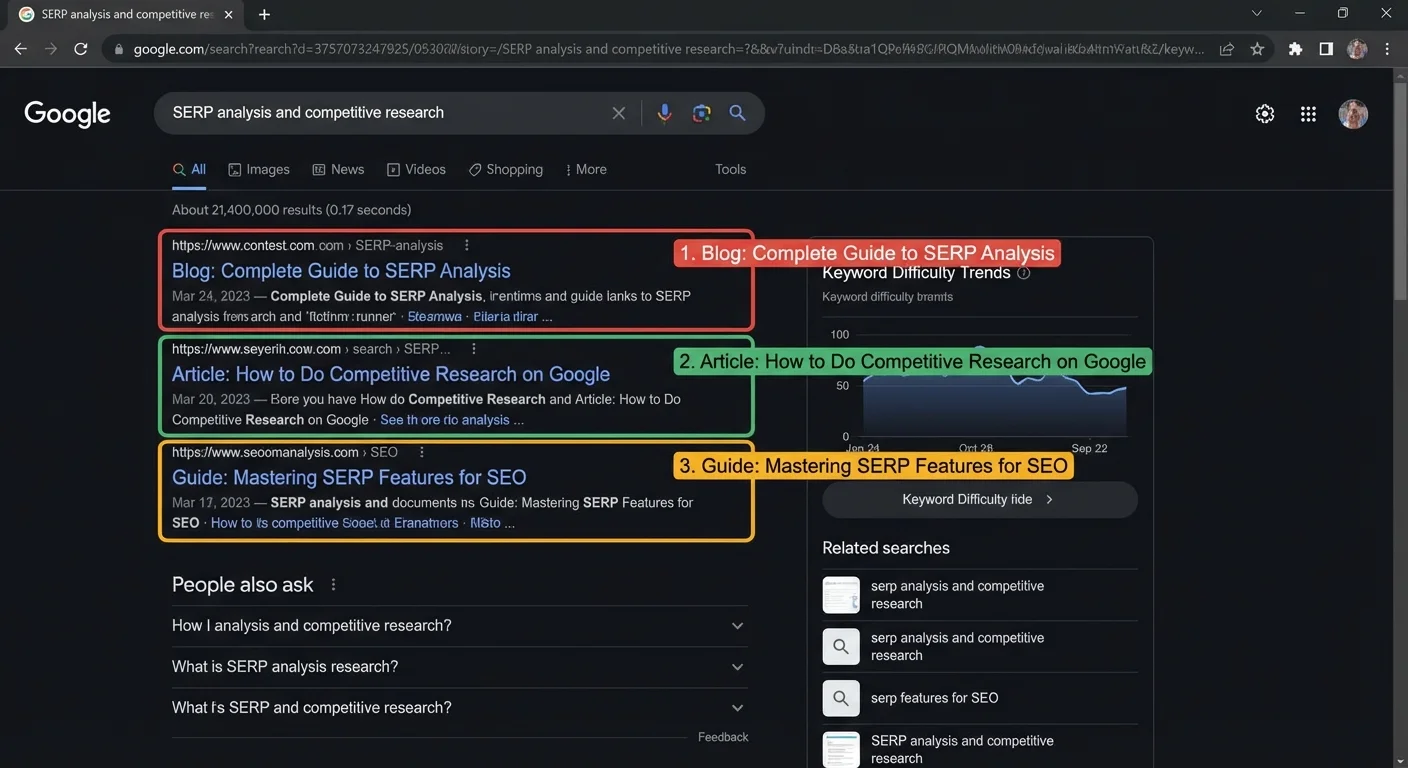
Open each top-ranking post and examine these elements:
- Content depth: How detailed are these posts? Most page-one results provide thorough coverage of their topics
- Heading structure: Notice how they organise information with clear H2 and H3 headings
- Visual content: Count the images, charts, and videos they include
- Word count: While length isn’t everything, top results often provide substantial value
- Content angle: Are they beginner guides, expert analyses, or practical tutorials?
This analysis shows you the content bar you need to meet or exceed. If the top results are 2000-word detailed guides with multiple screenshots, your 500-word surface-level post won’t compete.
Master On-Page SEO Fundamentals
On-page SEO remains the foundation of blog post rankings. Get these elements right, and you give your content the best chance to perform in search results.
Target One Primary Keyword Per Post
Choose one main keyword phrase and optimise your entire post around it. Include this keyword in:
- Your post title (preferably near the beginning)
- Your URL slug
- Your meta description
- At least one H2 heading
- Naturally throughout your content (aim for 0.5-1% keyword density)
- Your featured image alt text
Structure Content for Readability
Google favours content that’s easy to read and scan. Use:
- Short paragraphs (2-3 sentences maximum)
- Descriptive headings that preview each section
- Bullet points and numbered lists
- Bold text to highlight key information
- Images to break up large text blocks
Optimise Technical Elements
Don’t overlook these technical SEO factors:
- Page speed: Compress images and choose a fast hosting provider
- Mobile optimisation: Ensure your blog posts display perfectly on smartphones
- Meta descriptions: Write compelling 150-character descriptions that encourage clicks
- Image alt text: Describe every image for accessibility and SEO
- Internal linking: Link to relevant pages on your website
For more detailed guidance, check our post on common SEO mistakes to avoid.
Create Content That Solves Real Problems
The highest-ranking blog posts answer specific questions or solve genuine problems for their target audience. Google’s algorithm has become sophisticated at identifying and rewarding helpful content.
Start every blog post by identifying:
- What problem does this solve for my readers?
- What will they be able to do after reading this?
- What questions are they asking about this topic?
- How can I make this more useful than existing content?
Then structure your post to deliver on those promises. Include practical examples, step-by-step instructions, real case studies, and actionable tips readers can implement immediately.
Content that gets shared and linked to naturally performs better in search results. When readers find your posts genuinely helpful, they’re more likely to bookmark, share, and reference your content – all positive ranking signals.
Build Social Sharing Into Your Strategy
Social signals don’t directly impact rankings, but social sharing amplifies your content’s reach and can lead to natural backlinks – which definitely influence rankings.
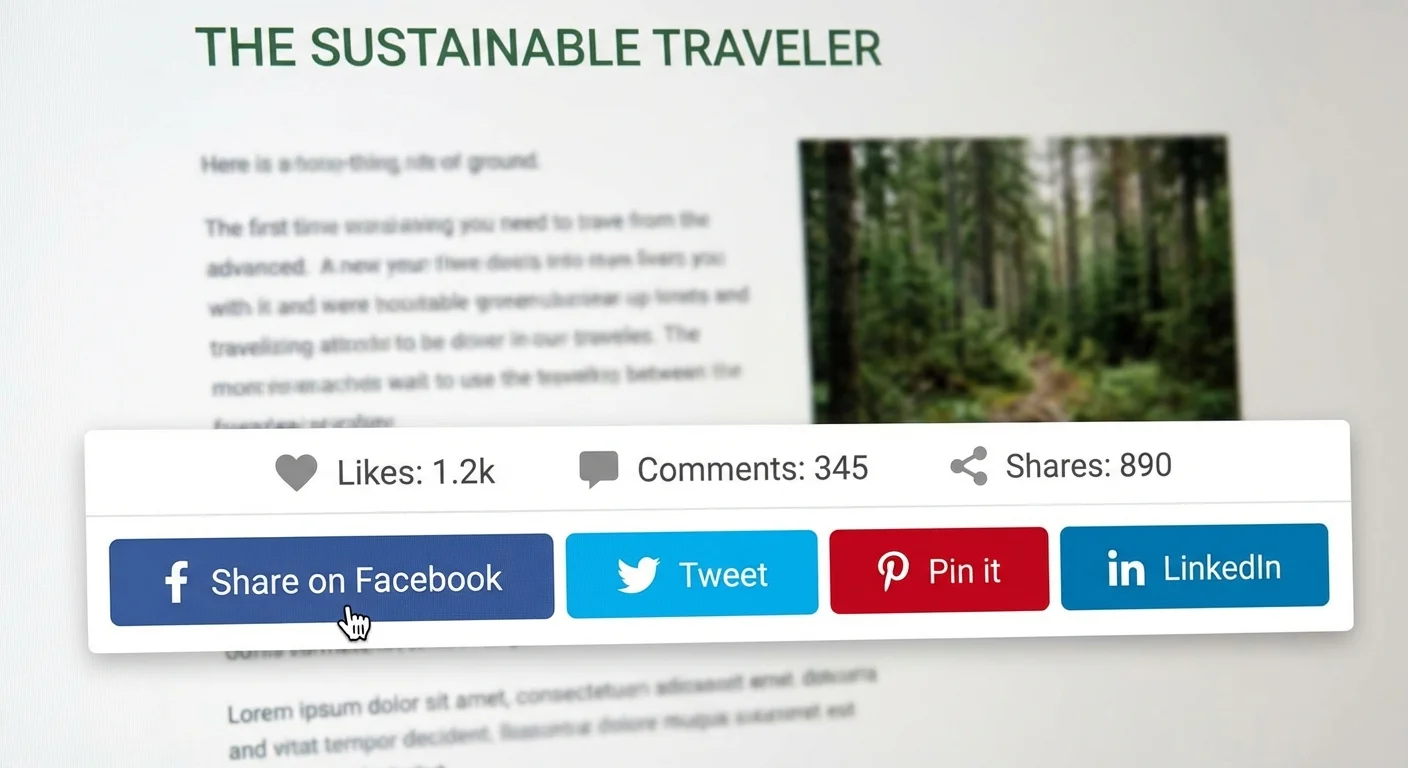
Make your content share-worthy by:
- Including quotable insights: Write memorable statements that people want to share
- Adding share buttons: Make sharing effortless with prominent social buttons
- Creating visual content: Posts with images get 2.3x more engagement on social media
- Writing compelling headlines: Your title determines whether people click and share
- Timing your promotion: Share your posts when your audience is most active
Don’t just publish and hope. Actively promote each blog post across your social channels, email newsletter, and relevant online communities. The initial momentum can significantly impact long-term search performance.
Explore more promotion tactics in our guide to increasing social media visibility.
Fix Technical Issues That Hurt Rankings
Broken elements on your blog posts send negative signals to search engines and create poor user experiences that increase bounce rates.
Audit Your Existing Posts
Run these checks on your published blog content:
- Broken links: Use tools like Screaming Frog or Ahrefs to identify dead links
- Missing images: Ensure all images load properly across devices
- Slow loading pages: Test your posts with Google PageSpeed Insights
- Mobile issues: Check how your posts display on smartphones and tablets
- Duplicate content: Make sure you’re not competing with yourself for rankings
For WordPress sites, plugins like Broken Link Checker can automate much of this monitoring. Set up alerts to catch issues before they impact your rankings.
Update and Refresh Old Content
Google favours fresh, up-to-date content. Regularly review your older blog posts and:
- Update statistics and examples
- Add new sections covering recent developments
- Improve headings and formatting
- Add more internal links to newer content
- Update the publication date to reflect major revisions
This content refreshing strategy often produces better ROI than creating entirely new posts.
Execute Strategic Link Building
Backlinks remain one of Google’s strongest ranking factors. Your blog posts need quality external links to compete for competitive keywords.
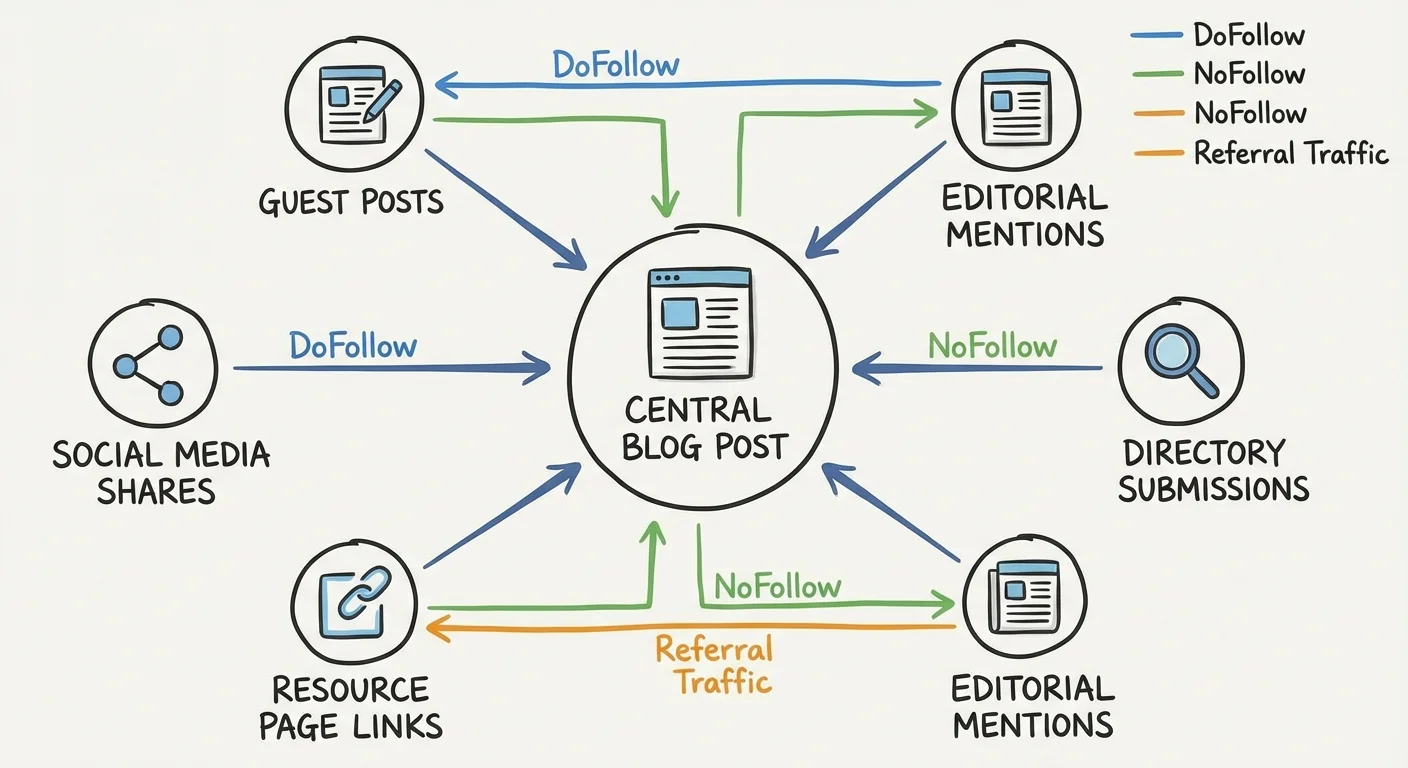
Create Link-Worthy Content
The best link building starts with content that naturally attracts links:
- Original research: Surveys, studies, and data analysis get linked frequently
- Ultimate guides: Detailed resources become go-to references
- Industry insights: Expert commentary on trends and developments
- Tools and resources: Calculators, templates, and checklists
- Case studies: Real examples with specific results and takeaways
Proactive Link Building Tactics
Don’t wait for links to happen naturally. Actively promote your best posts:
- Reach out to websites that linked to similar content
- Guest post on relevant industry blogs (with links back to your posts)
- Participate in industry forums and communities
- Build relationships with journalists and bloggers in your space
- Create partnerships with complementary businesses
Our detailed guide on effective link building strategies covers these tactics in depth.
Remember: quality beats quantity every time. One link from a respected industry publication is worth more than dozens of low-quality directory links.
Measure and Improve Your Results
Track these metrics to understand which blog posts are performing and why:
- Organic traffic: Monitor Google Analytics for search traffic trends
- Keyword rankings: Track positions for your target keywords
- Click-through rates: Check Google Search Console for CTR data
- Time on page: Measure how long readers engage with your content
- Social shares: Count shares across different platforms
- Backlinks: Monitor new links pointing to your posts
Use this data to identify your highest-performing content types and topics. Double down on what works, and learn from posts that underperform.
For more guidance on tracking performance, read our post about essential digital marketing metrics.
Frequently Asked Questions
How long does it take for blog posts to rank on Google?
Most blog posts begin showing ranking improvements within 3-6 months, but competitive keywords can take 6-12 months or longer. Consistently publishing quality content and building links accelerates this timeline.
How often should I publish blog posts for SEO?
Quality trumps quantity every time. Publishing one excellent, well-optimised post per week is more effective than daily low-quality content. Focus on consistency and value over frequency.
What’s the ideal length for SEO blog posts?
There’s no magic number, but most top-ranking posts are 1500-3000 words. The key is providing complete, thorough coverage of your topic rather than hitting a specific word count.
Should I target multiple keywords in one blog post?
Focus on one primary keyword per post, but naturally include related secondary keywords. This approach prevents keyword cannibalisation and helps Google understand your content’s main topic.
How do I know if my blog SEO is working?
Monitor organic traffic growth, keyword ranking improvements, and engagement metrics like time on page. Use Google Search Console and Google Analytics to track these performance indicators monthly.
Can I update old blog posts to improve their rankings?
Absolutely. Refreshing existing content with new information, better formatting, and additional links often produces better results than creating new posts. Update your publication date after major revisions.