Google Ads IF Functions and Ad Customisers: A Guide

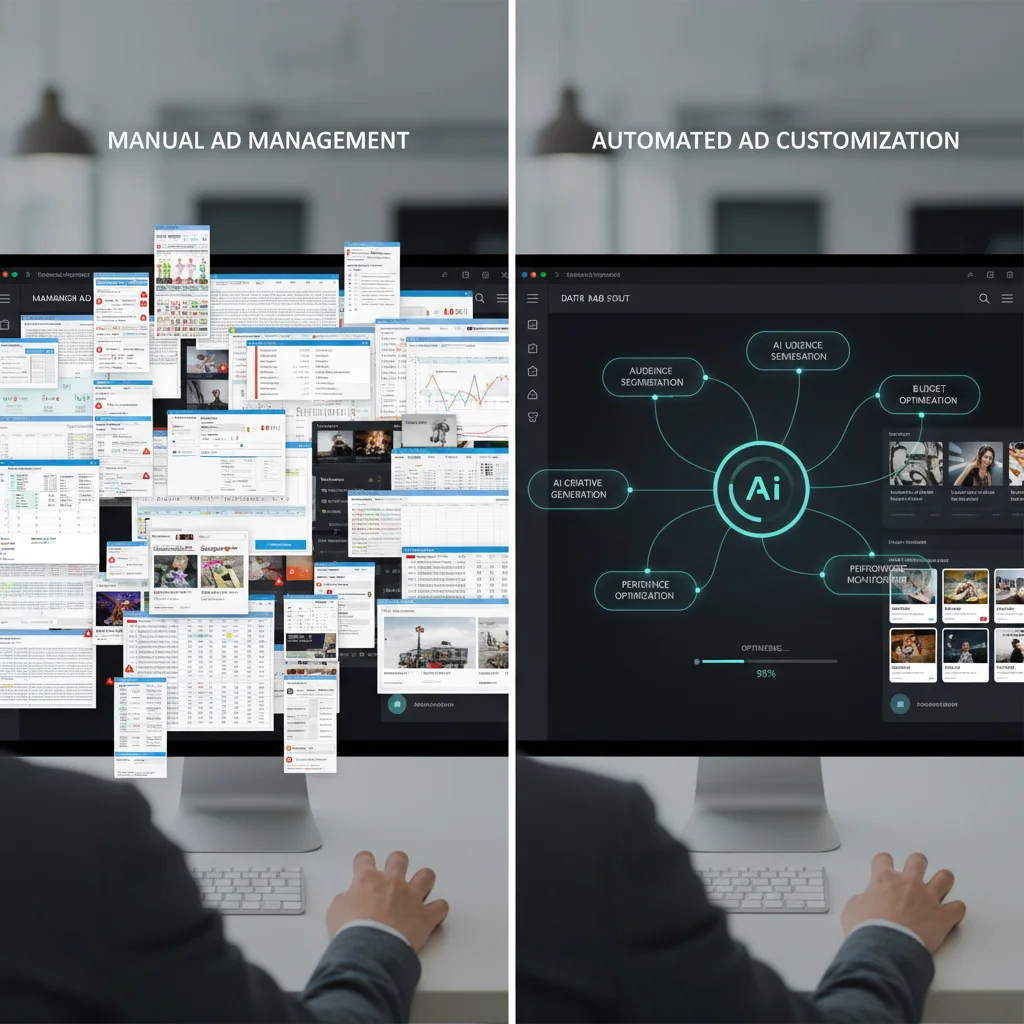
Managing large Google Ads accounts with hundreds of products, changing prices, and rotating offers is tough without automation. Manual updates eat into your planning time. They force account managers into repetitive tasks instead of focusing on growth. Ad customisers and IF functions fix this problem. They deliver relevant, personalised ads that update in real time — without constant manual work.
Think of these tools as your account’s autopilot. They work like dynamic keyword insertion but go much further. They create ads that adapt to each searcher’s context, location, and behaviour. Here is how to set them up the right way.
Ad Customisers: Your Product Data Powerhouse
Ad customisers work by connecting your Google Ads account to live business data through spreadsheet feeds. You upload your product info, pricing, and promotional details to the Shared Library. Google then pulls this data into your ads based on what users search for.
The setup process is simple. Google gives you templates for your business data feeds. These cover product details, pricing, and promotions. Once uploaded, your ads automatically show info that matches user searches. For example, hotels show real-time room rates. Airlines display current flight prices. Retailers promote specific product offers.
The COUNTDOWN function adds another layer by creating urgency around time-sensitive promotions. Combining relevant product data with scarcity messaging drives higher click-through rates and more conversions.
Maintaining Fresh Data Feeds
Your business data feeds need regular updates to stay effective. Treat them like a customer database. Static information quickly becomes a problem. Out-of-stock products showing in ads frustrate customers and waste your ad spend.
If your inventory changes often, use the Google Ads API for automatic updates. Smaller businesses can manually upload new feed versions through the Business Data section. The key is setting a regular update schedule that matches how fast your inventory changes.
Ad group-level customisers make this even easier. You can apply the same template across multiple ad groups for consistent real-time updates. One creative changes dynamically across your entire account. This cuts management work while keeping your ads relevant.

IF Functions: Conditional Messaging Without Feeds
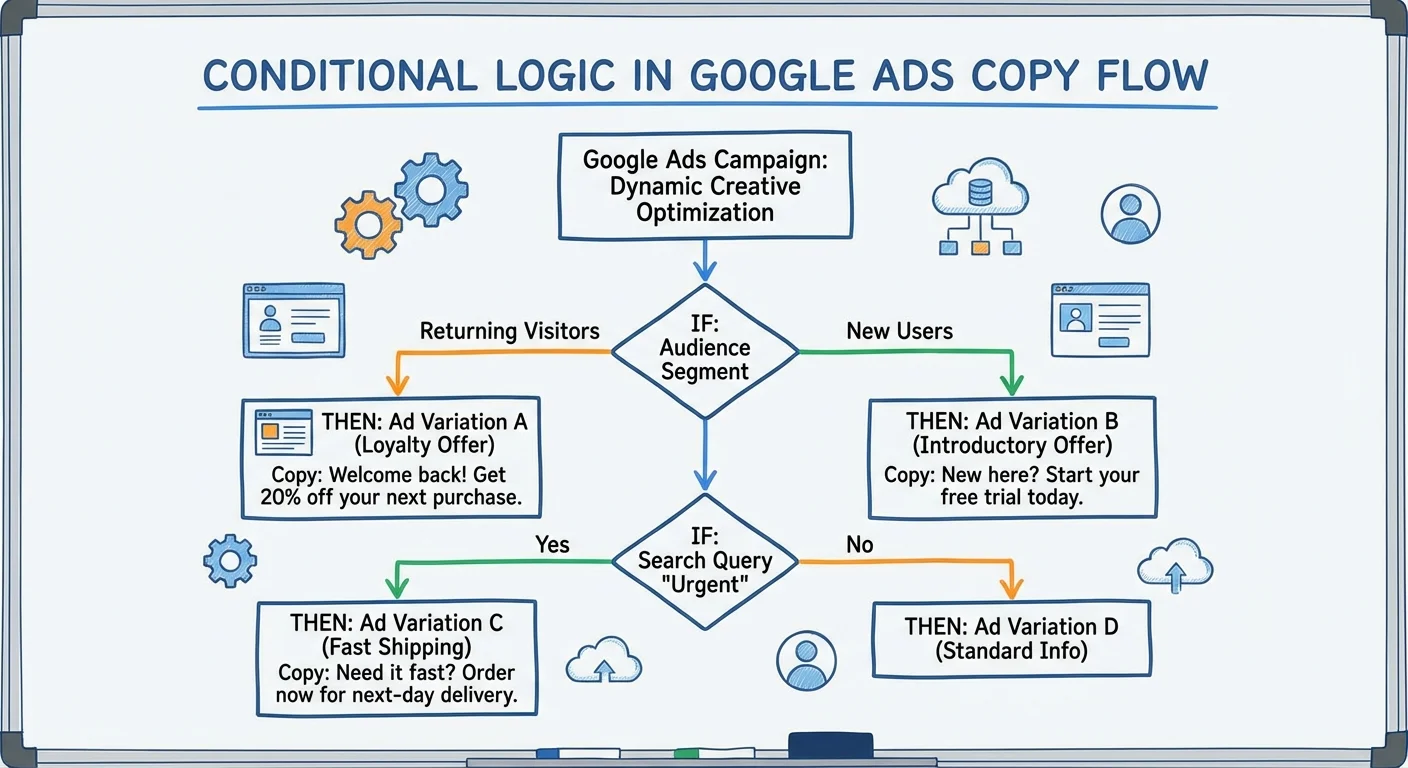
IF functions let you show targeted messages without needing data feeds. These conditional statements display specific copy when certain conditions are met. If conditions are not met, fallback text appears instead. This targeted approach makes ads more relevant to each searcher.
Right now, you can target by device type or audience membership. For example, mobile users might see messaging about a smooth mobile checkout. Desktop users could see detailed product specs. You can also send personalised offers to remarketing audiences based on their past site visits.
Shopping cart abandoners respond well to specific incentives through IF functions. Free shipping offers, discount codes, or extended return policies can target users who showed purchase intent but did not convert.
Keep in mind that IF functions only work in headlines and descriptions. They do not work in display URLs. Plan your conditional messaging around this limit.

Location Customisers: Geographic Personalisation at Scale
Location-based customisation helps during micro-moments. These are times when users need immediate, locally relevant information. Whether they search for nearby petrol stations, local restaurants, or hotels, location customisers deliver targeted messaging. You do not need to create separate campaigns for each area.
Google tells apart location of presence (where someone physically is) and location of interest (geographic terms in their search). Location customisers put search intent first. So someone searching “Melbourne hotels” sees Melbourne-specific ads, no matter where they are.
Setting Up Location-Based Campaigns
Upload location data using Google’s business data templates in the Shared Library. Create separate entries for each target city with specific messaging, pricing, or offers. This works especially well for businesses competing against larger national companies. Local relevance becomes your competitive advantage.
Location customisers shine for businesses with geographic differences in how they deliver services. For example, you can:
Highlight different shipping rates and delivery times for various regions. Address network coverage differences for telcos. Promote climate-specific products. Showcase location-based stock levels.
You still need standard text ads in each ad group before implementing customiser ads – Google will not show customised ads without fallback options. Your customiser ads then pull data from uploaded spreadsheets to display location-relevant messaging.
Dynamic Search Ads: Automated Targeting and Creative
Dynamic Search Ads take customisation to the next level. Google automatically creates headlines and picks landing pages based on your website content and user searches. This cuts account upkeep while capturing long-tail search traffic you might miss with manual keyword targeting.
Google crawls your website to learn about your products and services. It then creates relevant ads when user searches match your site content. The system builds custom headlines and sends users to the right landing pages automatically.
Dynamic Search Ads Targeting Options
Google offers several targeting methods for Dynamic Search Ads:
- Recommended categories target based on your website content and relevant landing pages, giving you control over which site sections create ads
- All webpages targeting covers the widest range of relevant queries, with more specific targets taking priority over broad ones
- High-value target separation lets you isolate and boost your best-performing dynamic targets with higher bids and dedicated budgets
Check the Auto Targets tab to see which headlines Google creates and how they perform. This data helps you spot successful messaging patterns and fine-tune bidding strategies for different target types.

Implementation Best Practices
To succeed with ad customisation, you need to test and improve step by step. Start with one type and expand as you master each approach. Remarketing audiences often make the best starting point for IF functions. You already have clear behaviour data to guide your messaging.
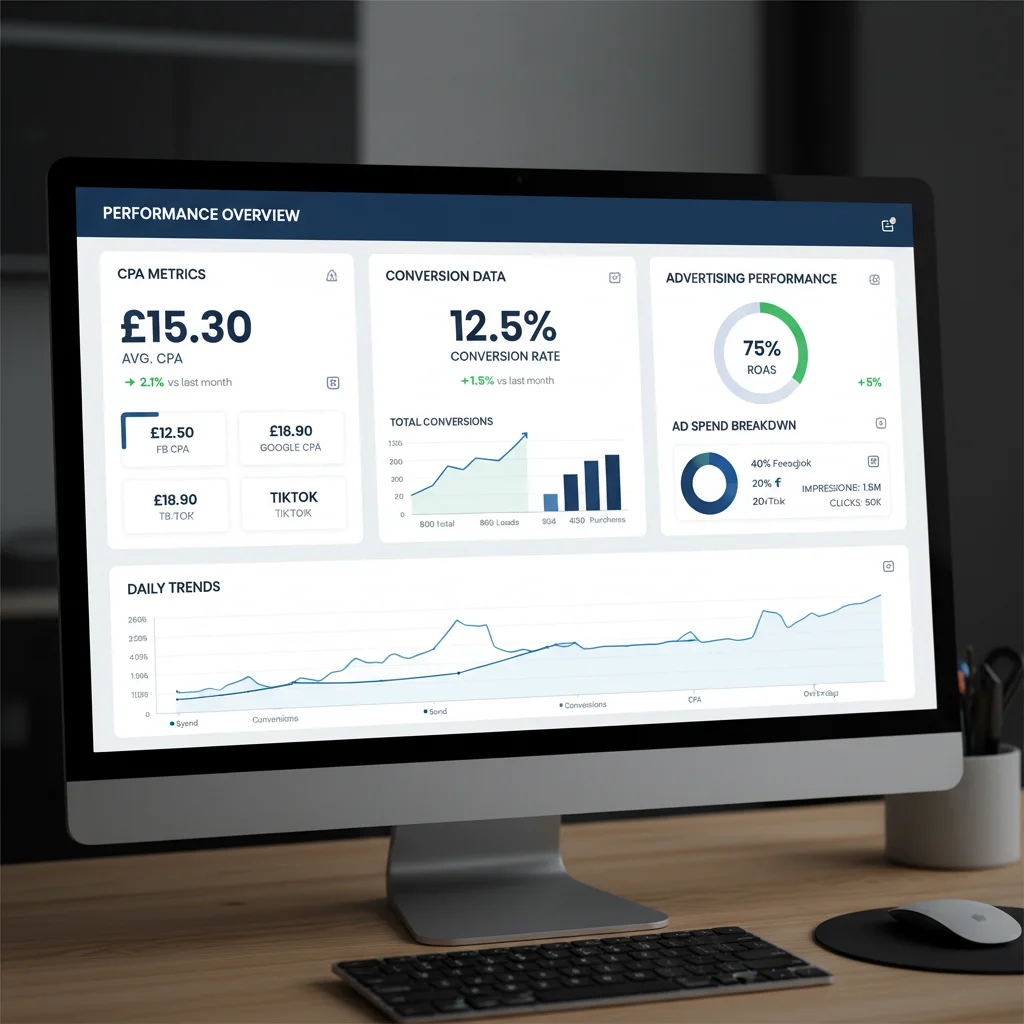
Test customised ads against static versions to measure the impact on click-through rates, conversion rates, and cost per acquisition. Track results by device, location, and audience to find which strategies work best for your business.
Set up automated alerts for feed failures or data sync issues. Nothing hurts campaign performance faster than broken customisers showing error messages or outdated info. Regular monitoring makes sure your personalisation helps rather than harms user experience.
Measuring Success and Scaling Up
Today’s consumers expect personalised experiences. Generic ads quickly lose attention to competitors who offer targeted messaging. By using ad customisers, IF functions, and location targeting, you answer the key customer question: “What is in it for me?”
Start small with one approach. Measure results carefully. Then scale what works across your account. Track the metrics that matter — better relevance scores, higher click-through rates, and stronger conversion performance all show successful customisation.
The businesses winning in competitive search markets do not always spend more on ads. They deliver more relevant experiences through smart automation and personalisation. These Google Ads features give you that edge when you use them well.
Frequently Asked Questions
What’s the difference between ad customisers and IF functions?
Ad customisers need data feeds uploaded to your Google Ads account. They pull in product info, pricing, and promotions automatically. IF functions do not need feeds. Instead, they show conditional messages based on device type or audience membership.
How often should I update my ad customiser data feeds?
Update feeds whenever your product info, pricing, or stock changes. If your inventory changes often, use the Google Ads API for automatic updates. Manual uploads work for less active businesses, but you should update at least once a week.
Can I use IF functions in display URLs?
No. IF functions only work in headlines and ad descriptions. You cannot use conditional messaging in display URLs or final URLs.
Do I need standard text ads when using ad customisers?
Yes. You must have at least one standard text ad in each ad group before setting up customiser ads. Google will not show customised ads without fallback options.
What happens if my ad customiser feed has errors?
If your feed has errors or fails to sync, Google shows your standard text ads instead. Set up automated alerts to check feed health. This prevents broken customisers from showing error messages.
How do location customisers determine which message to show?
Location customisers put search intent first over physical location. Someone searching ‘Melbourne hotels’ sees Melbourne-specific ads, no matter where they are located.