How to optimise your Google Business Profile: the complete 2026 guide

To optimise a Google Business Profile, complete every field Google offers (primary category, services, attributes, description, hours, photos), keep it active with reviews, posts and Q&A, and protect it from unwanted edits. Google ranks local results on relevance, distance and prominence, and a complete, active profile improves two of the three. The checklist below is what PWD runs for Perth clients, whether the business has a shopfront or needs to set up a Google Business Profile without an address.
How to optimize Google My Business in 2026 (it is Google Business Profile now)
Google My Business was renamed Google Business Profile in 2021 and is now managed from Google Search and Maps rather than a separate app, so the steps below apply whichever name you searched for. Here is the whole guide in twelve items, each expanded below.
- Verify the profile and hold primary ownership on a company Google account.
- Choose one precise primary category and add secondaries only for services you deliver.
- Fill the services list under every category, with a short description for each.
- Tick every attribute that is true and correct the ones Google or customers have added.
- Write a description that leads with what you do and where, within Google’s 750-character limit.
- Set hours including WA public holidays, a local phone number and a website link tagged for GA4.
- Add real photos of the premises, team and work on a schedule, plus a logo and cover photo.
- Publish a Google post every week with a call-to-action button.
- Seed the Q&A section with the questions customers ask by phone.
- Ask for a review after every job and reply to every review.
- Check weekly for Google updates and keep name, address and phone identical everywhere else.
- Run a monthly maintenance routine and a quarterly audit against your 3-pack.
The three local ranking factors and which profile fields feed them
Google’s help documentation names three factors: relevance (“how well a Business Profile matches what someone is searching for”), distance (“how far each business is from the customer who’s searching”) and prominence (“how well-known a business is”), and it states that “There’s no way to request or pay for a better local ranking on Google.”
Relevance comes from the fields that describe what you do: categories, services, attributes, description, products and the website page the profile links to. Google adds that “Businesses with complete and accurate info are more likely to show up in local search results.” Prominence comes from what other people say and do: reviews and your replies, citations, links to your website and brand searches. Photos, posts and Q&A feed both.
Distance is the searcher’s location against your address or hidden base, and you cannot change it. Google’s ranking tips page is the source for all three definitions.
What kind of keyword triggers a local pack?
A local pack appears for searches Google reads as local intent: a service plus a suburb (“electrician Joondalup”), a “near me” phrase, or a category word such as “physio” or “cafe” where the right answer depends on where the searcher is. Informational and national searches do not trigger a pack.
Categories: one precise primary and only the secondaries you earn
The primary category is the strongest relevance signal on the profile, so choose the most specific match for what you mainly do and add secondaries only for services you actually deliver. Google’s guideline is to “Use as few categories as possible to describe your overall core business” and to pick categories that complete the statement “This business IS a” rather than “this business HAS a”. You can hold up to ten, and Google “implicitly includes more general categories”, so “Kitchen renovator” does not need “Contractor” beside it.
To choose, search your main service plus your suburb and note the primary category of the three profiles in the pack, shown under the business name, then match it.
Categories are not keywords: Google’s guidelines say “Do not use categories solely as keywords or to describe features of your business”, and the full rules are on Google’s guidelines for representing your business.
Services, attributes and products
Fill the services list under every category with a short description each, tick every attribute that is true, and add products if you are a retailer, because Google lists adding in-store products among its ranking tips for eligible businesses.
Services: select Edit services, accept Google’s suggested services for each category or add custom ones in Australian English, and give each a sentence in the words customers use: “hot water system replacement”, not “thermal solutions”. Google notes that “When local customers search Google for an offering you provide, that service may be highlighted on your profile.” Keep prices and phone numbers out of custom service names, because Google rejects them.
Attributes: the yes or no facts on the profile, such as wheelchair access, parking or online appointments, edited under Edit profile, then More. Google warns that “some attributes may be populated based on inputs from customers who visit your business”, so check the list and correct anything wrong.
Products: retailers can add products with a photo, price and description, and they can appear in local results.
Description, hours and contact details
The description should say what you do and where in its first sentence, because Google shows a short excerpt before a “More” link. Google allows up to 750 characters and no links, and says the description should not “Focus on special promotions, prices, and offer sales”. Hours must be true every day of the year, so add special hours for WA public holidays (Labour Day, WA Day, the King’s Birthday and the Christmas period) before they arrive. A profile showing “Open” on a closed public holiday earns the review you do not want.
Phone: a local number that a person answers, identical to the number on your website and every directory. Google allows up to three numbers, so if you use call tracking keep the real line on the profile too.
Website: link to the page that matches the profile (the homepage, or the location page for a multi-location business) and add UTM parameters so profile clicks appear as their own source in GA4 rather than being folded into organic search.
Photos and videos that get shown
Real photos of the premises, team and work, added on a schedule, outperform stock, because searchers compare you against the other two profiles in the pack and Google says “New media appears first on your Business Profile”. Follow the current format and size limits on Google’s photo and video help page and allow the 24 to 48 hours Google says processing takes.
Shoot the exterior with signage, reception or the workshop, the team at work, before-and-after jobs, vehicles and products. Upload 20 to 30 at the start, then four to eight a month, plus a logo, a cover photo and a short video walk-through. Google’s guidance is that a photo “should be in focus and well lit, and have no significant alterations or excessive use of filters”, so no stock images, text overlays or heavy filters.
Google posts: what to publish and how often
Publish one post a week, rotating updates, offers and events, with a call-to-action button on each. Google’s post types are Updates (text, photo or video plus an action button), Offers (a title and dates, with an automatic View offer button) and Events (a title with start and end dates). Google archives “Posts older than 6 months” unless a date range is set, so a profile with nothing newer looks abandoned.
What works: a finished job with the suburb in the text, a seasonal reminder, an offer with a real end date. Avoid logo-only posts and links to anything other than your own site. One idea, one image, one button.
Q&A: ask and answer your own questions first
Anyone with a Google account can ask a question on your profile, and the business can post and answer questions itself, so seed five to eight of the questions customers ask by phone before a stranger does. Ask and answer each from the owner account, in one or two sentences, in a customer’s words.
Then monitor. Any user can post an answer, so an unanswered question can end up carrying a customer’s guess or a competitor’s reply. Check the section weekly, answer within a day, and report spam rather than replying to it.
Reviews: how to get them, respond to them and use them
Review volume, recency, rating and your responses feed prominence, so build a routine of asking after every job and replying to every review. Google lists responding to reviews among its ranking tips: “When you reply to customer reviews, it shows that you value their feedback.”
Getting them: select Read Reviews, then Get more reviews, and copy the short link (the QR code is only generated in a computer browser, per Google’s review link page). Send it by text the day the job finishes and put the QR code on invoices and at reception.
Never incentivise. Google’s policy states that “Offering incentives, like free or discounted goods or services, in exchange for customers to post reviews, change reviews, or remove negative reviews is considered fake & misleading content and is strictly prohibited”, and it treats selectively soliciting positive reviews the same way.
Reply to every review within two days. Thank positive reviewers by name and mention the job. For negative reviews, acknowledge the problem, offer a phone number to take it offline, and never argue in public. Our guide on how to respond to Google reviews has templates for both.
How do I protect my business listing from incorrect edits or fraudulent changes?
You cannot lock a Google Business Profile, because Google accepts public suggested edits and its own data updates and may apply them without asking you, so protection means ownership hygiene plus monitoring and fast reversal. Google’s help page on updates says it gathers information “from different sources, like user reports and licensed content”, that fields changed by Google show in blue in the profile editor, and that “You can’t manage all Google updates through your Business Profile.” When Google changes something, its edits page says “you’ll get a notification and find an alert in the ‘Edit profile’ section”.
Bad edits come from anyone on Maps using Suggest an edit, from third-party data licensed to Google that still carries your old address or phone, from a user marking you permanently closed, and from someone claiming an unverified profile before you do. The fields that get hit are hours, phone, website, name, category, address and open status.
Ownership hygiene
- Hold primary ownership on a company Google account (a dedicated mailbox on your own domain) with 2-step verification on and the recovery details held by a director, not a staff member’s Gmail or your agency’s account.
- Add staff and agencies as managers, not owners. Google’s roles page says managers “can’t add or remove users or remove the profile”, while owners can. Google also makes new owners and managers wait seven days before they can delete a profile, remove other users or transfer primary ownership. The role table is on Google’s owners and managers page.
- Audit People and access every quarter and remove anyone who has left. A primary owner cannot remove themselves until they transfer primary ownership, so do the transfer first when a director changes.
- Use a unique password on the owner account and give each person their own login, so access can be removed without changing the main password.
Monitoring
- Check for Google updates weekly: open Edit profile, look for blue text and the notification at the top of the page, and accept or correct each one. Google’s page on updates to your Business Profile explains the colour coding.
- Keep email notifications on for the owner account and have the mailbox monitored, because Google’s email is often the first sign of a problem.
- Keep a dated screenshot baseline of the knowledge panel and each Edit profile screen, retaken after every deliberate change and stored with your master record of name, address, phone, hours and categories. It is your evidence for a support case or a redressal complaint.
- Once a month, search your business name in Maps from a signed-out browser so you see what customers see.
Consistency
- Because Google’s updates draw on licensed third-party data, a directory carrying your old address can trigger a “correction” back to it, so keep every listing identical (the next section covers how).
Reporting
- For fake edits, duplicates and profiles marked closed by mistake, use Maps: select the business, Suggest an edit, then Place is closed or not here, then Offensive, harmful, or misleading. For fraudulent changes to the name, phone or website, or a profile impersonating you, use Google’s Business Redressal Complaint Form, which covers “misleading information or fraudulent activity on Google Maps related to the name, phone number, or URL of a business”. Google warns it “cannot guarantee that any action will be taken”, so keep your own log. For repeated attacks, open a case with Business Profile support through the help centre contact form and attach the baseline.
How to lock a Google Business Profile: what is actually possible
There is no lock setting and no paid tier that adds one. The closest controls are verification (an unverified profile can be claimed by whoever asks first), ownership on a secured company account with the shortest possible manager list, and weekly monitoring, which closes the window in which a bad edit costs you customers.
Any tool or agency that promises to “lock” your profile is selling monitoring under a bigger name: listing management platforms alert you to changes but cannot stop Google applying an update it believes is correct.
What to do if changes have already been made
- Screenshot the wrong information before you touch anything, with the date visible.
- Open Edit profile, fix each field and save. Google says edits “usually take up to 10 minutes to review, but sometimes it can take up to 30 days”, and rejected edits can be appealed. If a corrected field flips back, the source is a Google update, so accept your own version through the updates notification rather than editing again.
- Open People and access. Remove anyone you do not recognise, change the owner password and confirm 2-step verification is still on.
- If the profile has been marked closed, reset the open status first, because a closed profile drops out of the pack immediately.
- If the profile is suspended, do not create a new one. Appeal through Google’s appeals tool with your registration and utility documents ready, following the appeal steps in our no-address guide, which apply to any profile.
- If wrong details were public for more than a day, tell customers by email and social media.
- Log the date, the field, the change and the fix. A repeat goes with the redressal complaint.
How to keep business info updated on all platforms
Keep one master record of your name, address, phone and hours, and change every platform in the same session whenever one of them changes: the Business Profile, the website footer and LocalBusiness schema, Apple Business Connect, Bing Places, Facebook and Instagram, and the major Australian directories (Yellow Pages, White Pages, True Local, and the trade or industry directories your customers use).
Consistency is key because Google reconciles your profile against everything else it can find, and a contradiction between two sources makes it pick one, which may not be yours. Our post on local citations explains how to build them without creating the inconsistencies that undo the work.
Use the same abbreviation everywhere (“St” or “Street”, never both), the same phone format and the same business name with or without “Pty Ltd”. Every quarter, search your business name with your phone number and claim or correct every listing you find.
How to rank higher on Google Maps and in the 3-pack
Maps and the 3-pack draw on the same profile, so ranking higher means winning relevance and prominence for the searcher’s location, since distance cannot be changed.
The landing page: the page your profile links to needs a title tag with the service and the suburb in under 60 characters, a matching H1, your name, address and phone in the footer, LocalBusiness schema, and content about the service in that place rather than generic copy. Link to it from your navigation.
Citations: list the business on the directories named in the previous section, with details identical to the profile.
Local links: links from Perth websites tell Google you are part of the place. Sponsor a local sports club for a mention on its website, join an association that lists members, offer local media a quote on your specialist topic, and ask suppliers to feature your work.
Mobile speed: most local searches happen on a phone and Google indexes the mobile version of your site. Test the landing page with PageSpeed Insights and make the phone number tappable above the fold.
Proximity, realistically: a business in Osborne Park will not appear in the Rockingham 3-pack no matter how good the profile is. If you serve distant suburbs, set honest service areas, build a location page per suburb to win the organic results below the pack, and open a genuinely staffed second location only if the volume justifies it.
How to promote your Google Business Profile
Promotion means putting the profile in front of people who already know you. Put the review short link and QR code on invoices, quotes, vehicles, counter signage and every staff email signature, and the profile link in your social media bios.
For the paid option, link the profile to Google Ads so your ads carry location assets, which Google describes as letting ads “display information such as your address, a map to your location, or the distance to your business”.
Monthly Google Business Profile maintenance checklist
Copy this into your task list.
| Frequency | Task |
|---|---|
| Weekly | Reply to every new review, answer Q&A questions and report spam |
| Weekly | Open Edit profile and review any Google updates or pending edits |
| Weekly | Publish one post with a call-to-action button |
| Monthly | Add four to eight new photos of recent work, the team or the premises |
| Monthly | Confirm hours, including upcoming public holidays |
| Monthly | Read the performance report: searches, views, calls, directions, website clicks and search terms |
| Monthly | Search the business name in Maps signed out and compare with the screenshot baseline |
| Quarterly | Review categories, services and competitor profiles against the current 3-pack winners |
| Quarterly | Run a citation audit and fix inconsistencies |
| Quarterly | Audit People and access, remove leavers and confirm 2-step verification |
Which agency can help improve Google Business Profile visibility?
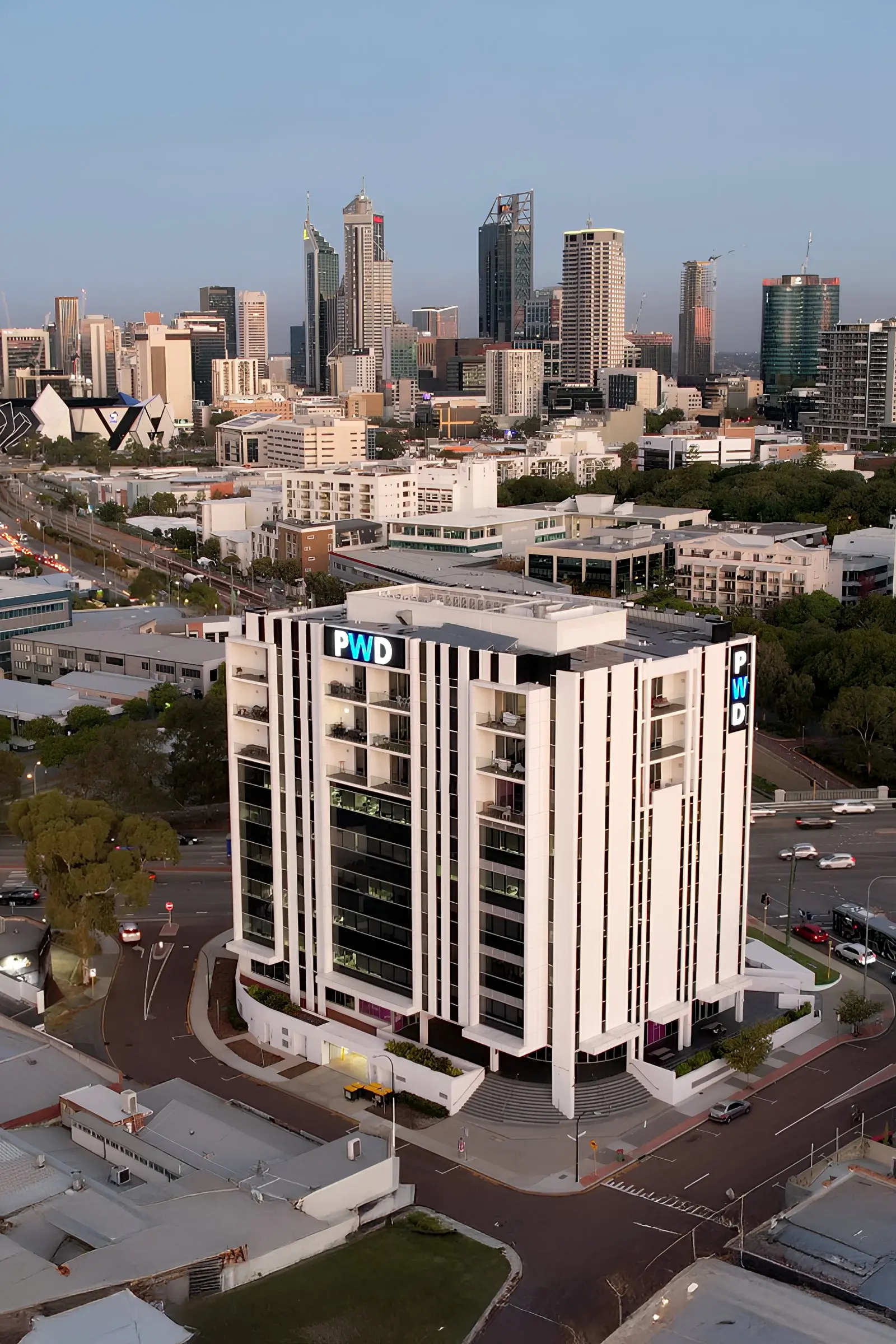
PWD Digital Agency in West Leederville, Perth, has run local search and Google Business Profile work in-house since 2007, is a Google Premier Partner, is ISO 9001 and ISO 27001 certified, and does not use 12 or 24 month lock-in contracts. Our Google Business Profile optimisation service starts with an audit of the profile, the competitors in your 3-pack and the local search terms, then works through this checklist as a one-off optimisation or ongoing monthly management.
Whichever agency you talk to, ask who holds primary ownership (it must stay with you, with the agency as a manager), who does the work and where, whether monthly reporting includes pack positions by suburb, whether review collection complies with Google’s policy, and what the contract and notice terms are.
Frequently asked questions
What is Google Business Profile optimisation?
Google Business Profile optimisation is the work of completing, maintaining and protecting the free Google listing that represents your business in Search and Maps. It covers categories, services, attributes, description, hours, photos, posts, Q&A and reviews, plus monitoring for unwanted edits and keeping your details consistent on other platforms, so the profile ranks higher in the local pack and converts more of the people who see it.
How do I edit my Google Business listing?
Search your business name in Google while signed in to the Google account that owns or manages the profile, and select Edit profile from the panel that appears. In the Google Maps app, tap Business at the bottom right, then Edit profile. Make the change and save. Google says most edits are reviewed within about ten minutes, but some take up to 30 days, and edits it cannot verify may be rejected.
How long does it take to see results?
In our experience most Perth businesses begin to see movement in the performance report within four to eight weeks of completing the profile, and competitive categories take three to six months to move in the local pack. Profile edits themselves show within minutes once Google approves them. Reviews and local links are the slowest levers, which is why the routine matters more than the initial setup.
Does responding to reviews affect ranking?
Google lists responding to reviews among its tips for improving local ranking, saying that replies show you value customer feedback. Replies also put your service and suburb words on the profile, and they change how the next customer reads a negative review. We treat replying within two days as a ranking task as well as a customer service one, and the effect is strongest alongside a steady flow of new reviews.
Want the checklist done for you?
PWD optimises and manages Google Business Profiles for Perth businesses from our West Leederville office, in-house, with no offshoring and no 12 or 24 month lock-in. We start with an audit of your profile against the three businesses currently in your 3-pack, so you know which of the twelve items above are costing you enquiries.
Book a Google Business Profile audit with PWD or call 08 6146 0195.