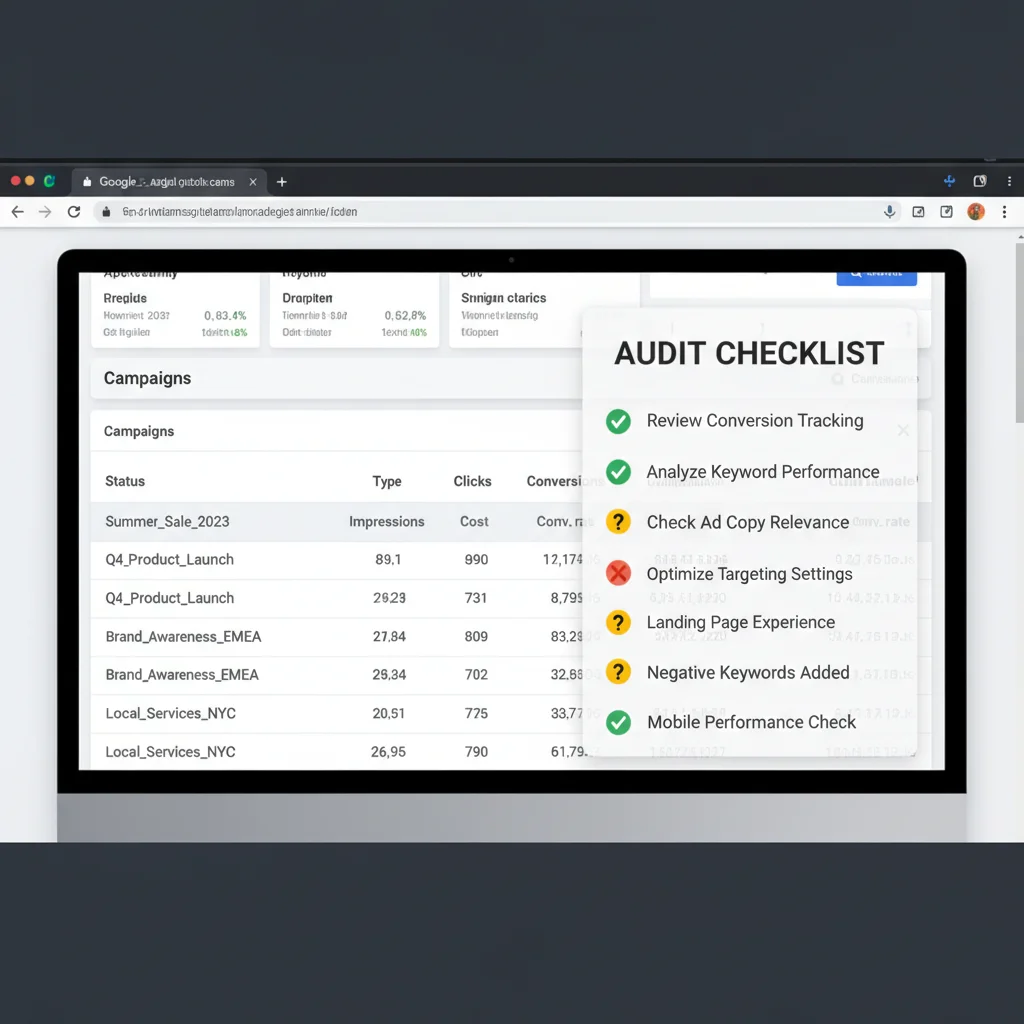
How to Conduct a Complete Google Ads Audit in 2026

Google Ads audits reveal opportunities that could dramatically improve your campaign performance and ROI. Even profitable campaigns need regular health checks to maintain their edge and uncover new growth potential. We recommend auditing your Google Ads account every six months minimum – more frequently if you’re scaling or seeing performance shifts.
Most businesses miss thousands in potential revenue because their Google Ads accounts drift from optimal settings over time. Keywords accumulate, targeting expands beyond ideal parameters, and conversion tracking develops gaps. A systematic audit catches these issues before they drain your budget.
Here’s how to conduct a complete Google Ads audit that actually moves the needle on performance.
Review Campaign Targeting Settings
Google Ads targeting controls make or break campaign performance. One misconfigured setting can waste thousands of dollars on irrelevant traffic or exclude your best prospects entirely.
Access your campaign settings by logging into Google Ads, selecting a campaign, and clicking the Settings tab. Focus on these critical elements:
 Google Ads campaign settings interface showing targeting options and configurations”/>
Campaign Type Configuration
Your campaign type determines where ads appear and which features you can access. Search campaigns focus on Google search results, while Display campaigns reach users on websites across Google’s network. Performance Max campaigns use automation across all Google properties. Choose the type that aligns with your marketing goals – lead generation typically performs best on Search campaigns.
Network Settings
Including search partners extends your reach to Google Play, Maps, and other properties. This usually increases volume but can reduce quality. Monitor search partner performance separately and exclude if conversion rates drop significantly compared to Google search.
Device Targeting
Mobile traffic often converts differently than desktop. Check your mobile bid adjustments – if mobile users convert at lower rates, reduce mobile bids by 20-30%. If mobile performs better, increase bids to capture more mobile traffic. Remember that website speed matters enormously for mobile conversion rates.
Geographic Targeting
Location targeting should match your service area precisely. Many businesses accidentally target entire states when they only serve specific cities. Use radius targeting for local services and exclude areas where you can’t deliver. Check your location report to identify high-performing areas worth expanding into.
Evaluate Ad Group Structure and Relevancy
Ad group organisation directly impacts your Quality Score and cost-per-click. Google rewards relevance between keywords, ads, and landing pages with lower costs and better positions.
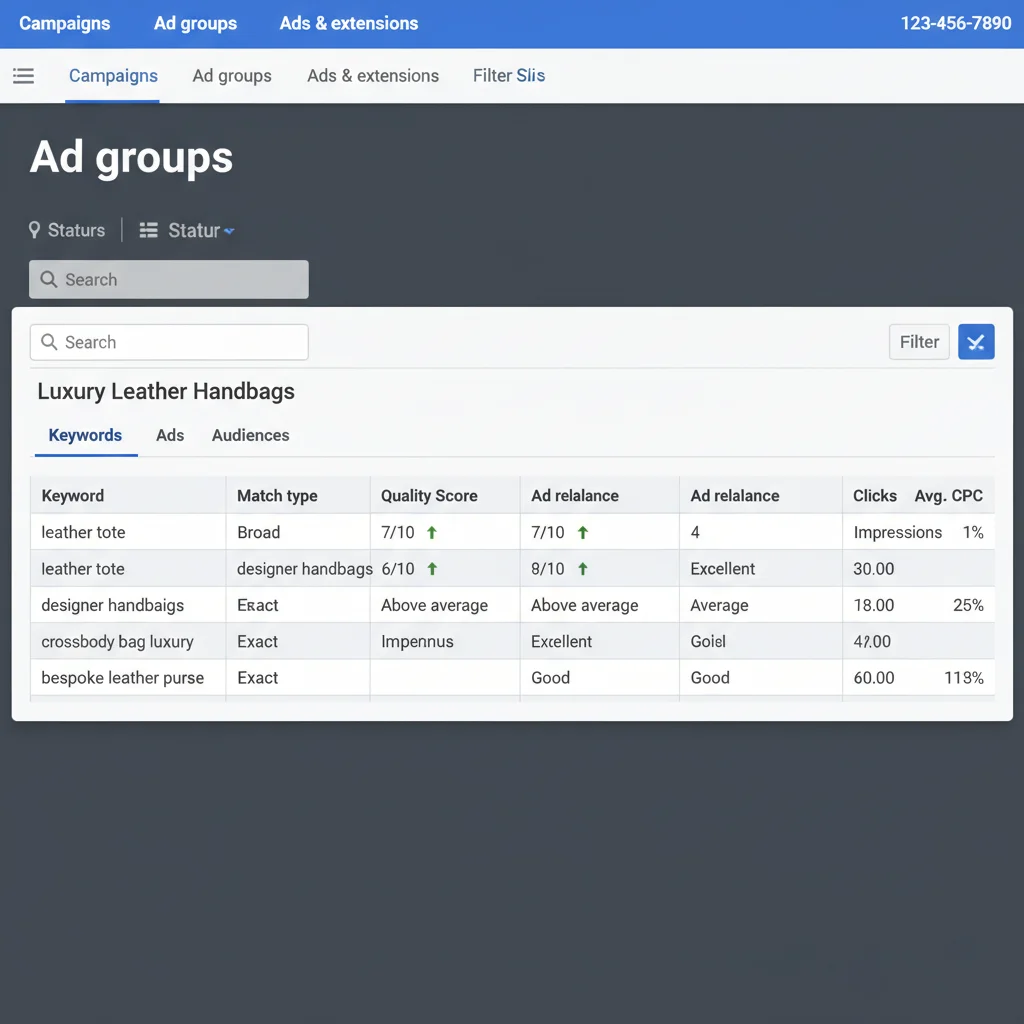
The biggest mistake we see? Cramming dozens of loosely related keywords into single ad groups. This forces one ad to serve multiple search intents, destroying relevance.
Each ad group should contain 10-15 closely related keywords maximum. If you sell both “running shoes” and “dress shoes”, they need separate ad groups with tailored ads. The person searching for running shoes wants different messaging than someone shopping for dress shoes.
Review your ad groups and split any containing keywords with different intents. Your Quality Scores will improve and costs will drop. This connects to broader digital marketing principles about matching message to audience intent.
Analyse Keyword Match Types
Match types control when your ads appear. Get this wrong and you’ll either waste money on irrelevant clicks or miss valuable traffic entirely.
Here’s how each match type works:
- Broad match: Triggers for related searches, synonyms, and variations. Highest reach but least control
- Phrase match: Triggers when searches include your keyword phrase in the same order. Balanced reach and relevance
- Exact match: Triggers for searches with the same meaning as your keyword. Lowest reach but highest relevance
Most successful accounts use a pyramid structure: exact match keywords for proven winners, phrase match for expansion, and limited broad match for discovery. Running only exact match limits growth. Running only broad match wastes budget on irrelevant traffic.
Check your Search Terms Report to see which queries trigger your ads. Add high-performing variations as new keywords and irrelevant terms as negatives.
Audit Your Negative Keywords Strategy
Negative keywords prevent your ads from showing for irrelevant searches. Without proper negatives, you’ll pay for clicks that never convert.
Access your negative keywords by clicking the Keywords tab in any campaign, then selecting “Negative keywords”. You can add negatives at campaign or ad group level.
Common negative keywords include:
- “Free” (if you don’t offer free products)
- “Jobs” or “careers” (unless you’re recruiting)
- “DIY” or “how to” (if you provide services, not instructions)
- Competitor brand names
- Locations you don’t serve
Review your Search Terms Report monthly and add irrelevant queries as negatives. Also audit existing negatives – if you’ve expanded services or locations, some old negatives might now block valuable traffic.
This process mirrors SEO keyword research where understanding search intent prevents targeting the wrong audience.
Verify Conversion Tracking Setup
Without accurate conversion tracking, you’re flying blind. You can’t optimise what you can’t measure properly.
Check your conversion tracking by navigating to Tools & Settings > Conversions in your Google Ads account. Click the red “+Conversion” button to add new conversions or verify existing ones.
Essential conversions to track:
- Purchase completions for e-commerce sites
- Form submissions for lead generation
- Phone calls from ads or your website
- Email signups if email marketing drives revenue
- Quote requests for service businesses
Test your tracking by completing a conversion yourself and verifying it appears in your reports. Import Google Analytics goals if you use GA4 for easier management.
Proper tracking becomes even more valuable when you understand which digital marketing metrics actually predict business growth.
Review Ad Copy Performance and Relevance
Your ad copy makes the difference between clicks and conversions. Even perfectly targeted campaigns fail with weak ad copy that doesn’t match search intent.

Audit your ads for these elements:
- Keyword inclusion: Your main keyword should appear in at least one headline
- Clear value proposition: What makes you different from competitors?
- Strong call-to-action: “Get Quote”, “Shop Now”, “Call Today” – tell users what to do
- Current offers: Remove expired promotions and outdated information
- Emotional triggers: Appeal to desires (save money, save time) or fears (missing out, problems getting worse)
Check which ads have the highest click-through rates and conversion rates. Pause poor performers and create variations of winners. Google’s Responsive Search Ads let you test multiple headlines and descriptions automatically.
Remember that highly converting ad copy often incorporates psychological triggers that motivate immediate action.
Analyse Bidding Strategy and Budget Allocation
Your bidding strategy determines how much you pay for clicks and which auctions you win. Wrong bidding wastes money or limits growth potential.
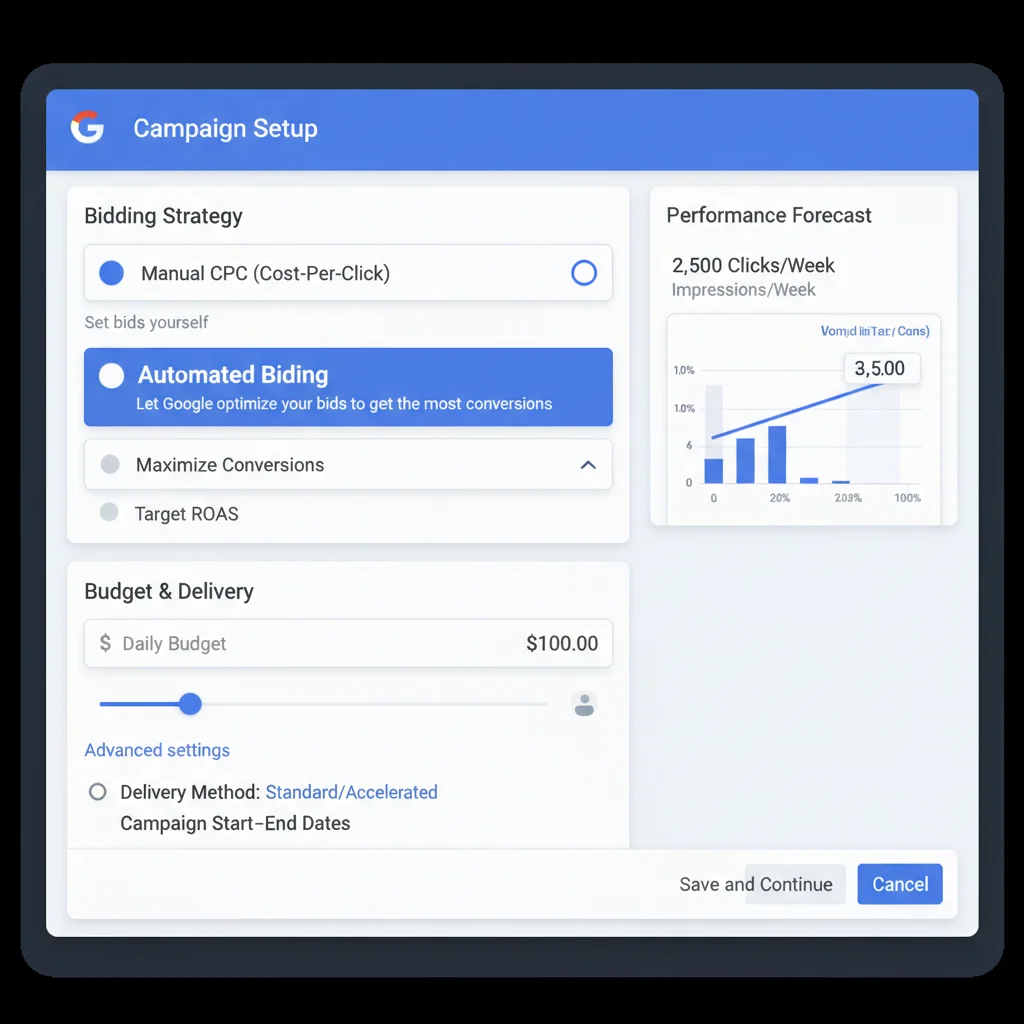
Review your current bidding strategies in campaign settings. Manual CPC gives maximum control but requires constant optimisation. Automated strategies like Target CPA or Target ROAS work better once you have conversion data.

Budget allocation matters equally. High-performing campaigns often get underfunded while poor performers waste money. Check your Search Impression Share report – campaigns losing impressions due to budget deserve more funding if they’re profitable.
Move budget from campaigns with low conversion rates to those exceeding targets. This connects to smart bidding optimisation principles we’ve covered previously.
Examine Landing Page Experience
Google factors landing page experience into Quality Score calculations. Poor landing pages increase costs and decrease ad positions regardless of bid amounts.
Audit your landing pages for:
- Message match: Landing page headlines should reflect ad copy
- Loading speed: Pages must load under 3 seconds on mobile
- Mobile optimisation: Easy navigation and readable text on smartphones
- Clear conversion path: Obvious forms, buttons, or contact information
- Trust signals: Testimonials, certifications, contact details build credibility
Use Google PageSpeed Insights to test loading times. Check mobile usability in Google Search Console. High bounce rates often indicate landing page problems rather than targeting issues.
Quality landing pages align with broader user experience optimisation principles that improve both paid and organic performance.
Document Changes and Next Steps
Track every change you make during your audit. This creates accountability and helps identify what improvements actually work.
Create a simple spreadsheet documenting:
- Changes made and dates
- Reason for each change
- Expected impact
- Results after 2-4 weeks
Schedule follow-up audits every six months or after major business changes. Regular auditing prevents small issues from becoming expensive problems.
Consider working with experienced Google Ads specialists if managing multiple campaigns becomes overwhelming. Professional management often pays for itself through improved performance and time savings.
Frequently Asked Questions
How often should I audit my Google Ads account?
Audit your Google Ads account every 6 months minimum. High-spend accounts or rapidly changing businesses should audit quarterly. Monthly reviews of search terms and negative keywords help maintain performance between full audits.
What’s the most important thing to check in a Google Ads audit?
Conversion tracking accuracy is most critical. Without proper tracking, you can’t optimise effectively or measure ROI. Verify all conversion actions work correctly before analysing other performance metrics.
How long does a complete Google Ads audit take?
A thorough audit takes 4-8 hours depending on account size and complexity. Simple accounts with few campaigns can be audited in 2-3 hours, while enterprise accounts may require several days.
Should I pause poor-performing campaigns during an audit?
Don’t pause campaigns immediately unless they’re clearly wasting significant budget. Instead, reduce budgets by 50% while you investigate and optimise. Some poor performers just need better targeting or ad copy.
What tools help with Google Ads auditing?
Google Ads built-in reports provide most audit data needed. Google Analytics helps verify conversion tracking. Third-party tools like SEMrush or Optmyzr can automate some audit tasks for larger accounts.
How much budget should I reallocate after an audit?
Start with 20-30% budget shifts between campaigns. Move money from poor performers to proven winners gradually. Monitor results for 2-3 weeks before making larger budget changes to avoid disrupting successful campaigns.